1. Navigate to settings and select User Groups Management.
2. A form will open displaying the current User Groups.
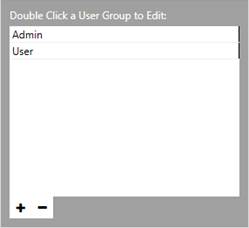
3. Click the plus button to add a new User Group.

4. A new form will open displaying this information.
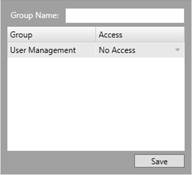
5. Create a name for your User Group.
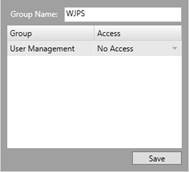
6. Once you have created a name for you User Group, you can then select what access this user group has.

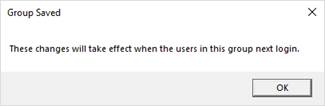
7. Click save and a message will appear to confirm this.