You need to be a Super User to edit an Identification.
1. Open the Customers Form.
2. Open the Customer you wish to delete.
3. Select the Delete Button
4. Enter the relevant information of a Super User.
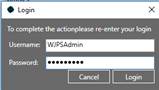
5. Press Login.
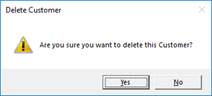
6. A message box will show asking for you to confirm the delete.
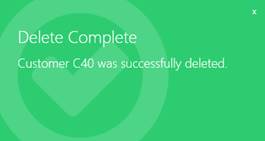
7. A notification will show confirming the Customer has been deleted.